Your Digital Space
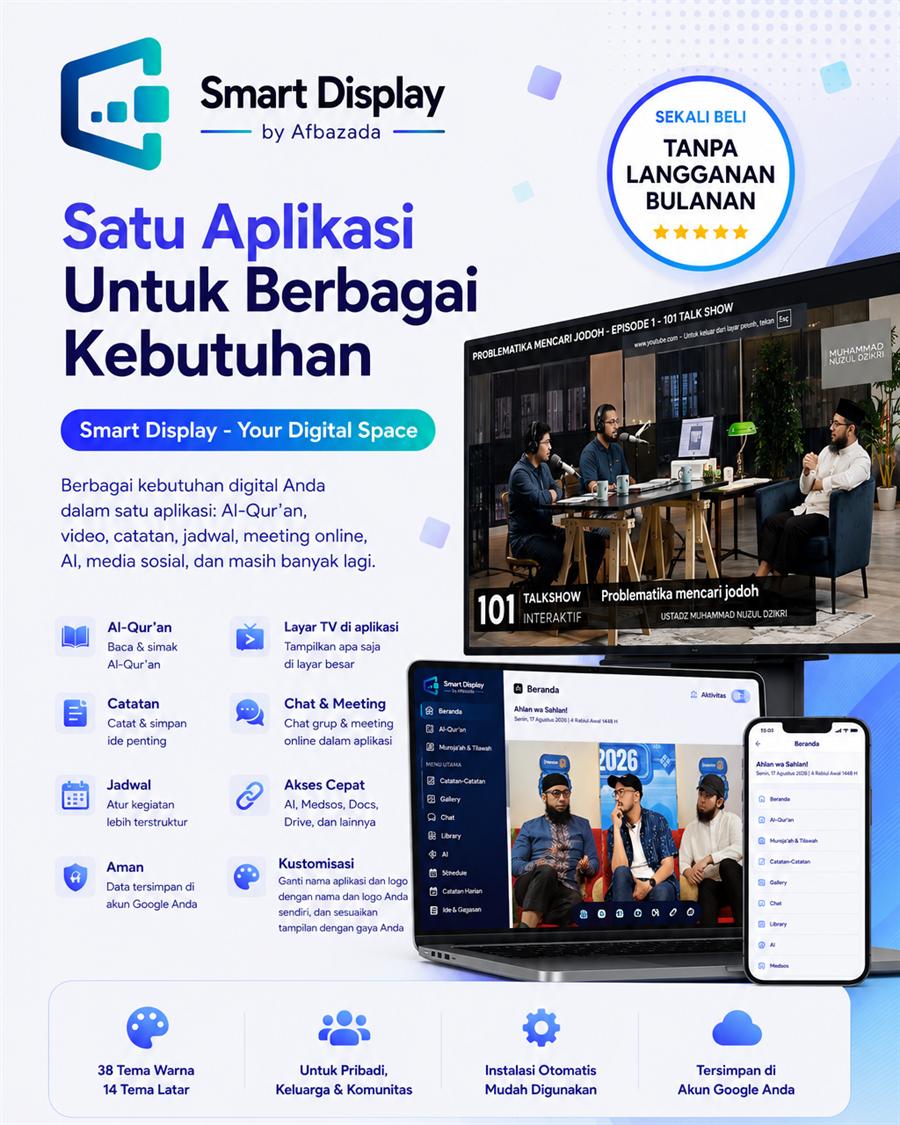
Smart Display brings your digital activities together in one app connected to your Google account. Read and listen to the Qur'an, open YouTube, AI and social media, manage notes and schedules, save links, join online meetings, and use a multipurpose display screen β all without switching between apps. It becomes your digital space.
Suitable for personal use, families, study rooms, small communities, and small-scale organisations.
Smart Display is installed into your own Google account: its program code is copied into your Google Drive and runs from there, so all of its data stays inside your account.
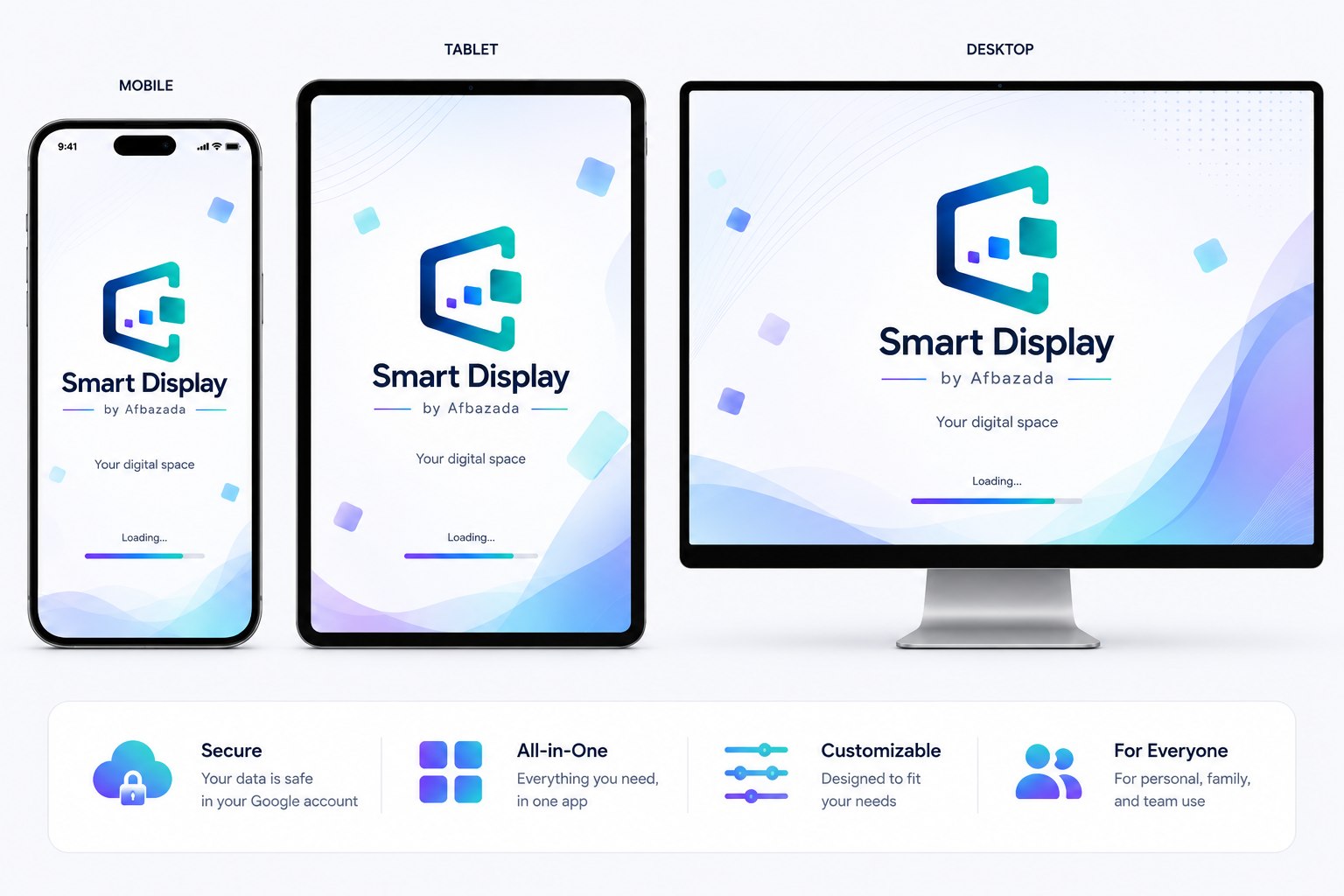
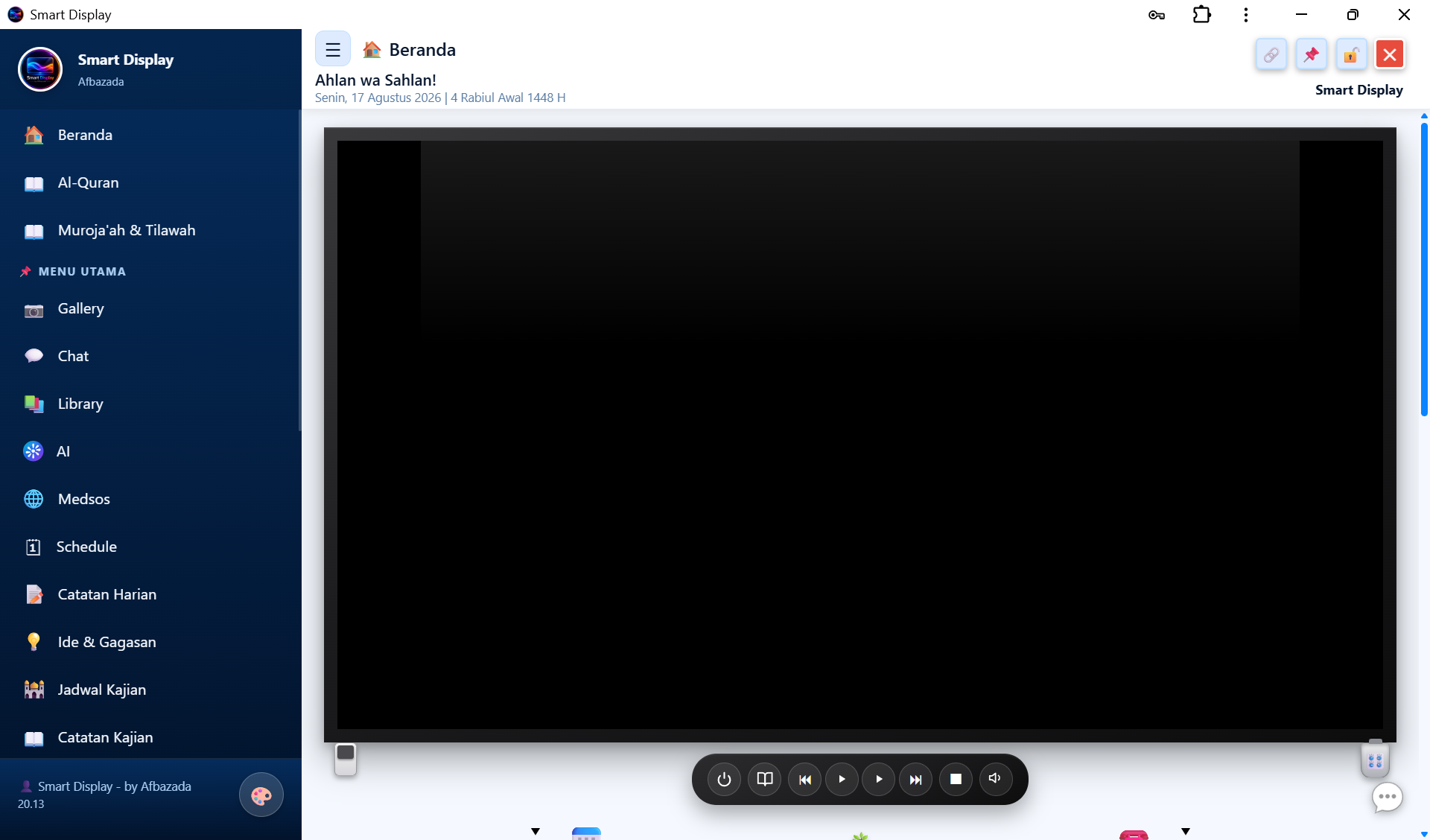
Smart Display can be styled to match you, with a wide range of colours and themes β or an image from your own device. The layout adapts to whatever you are using: phone, tablet, or laptop.


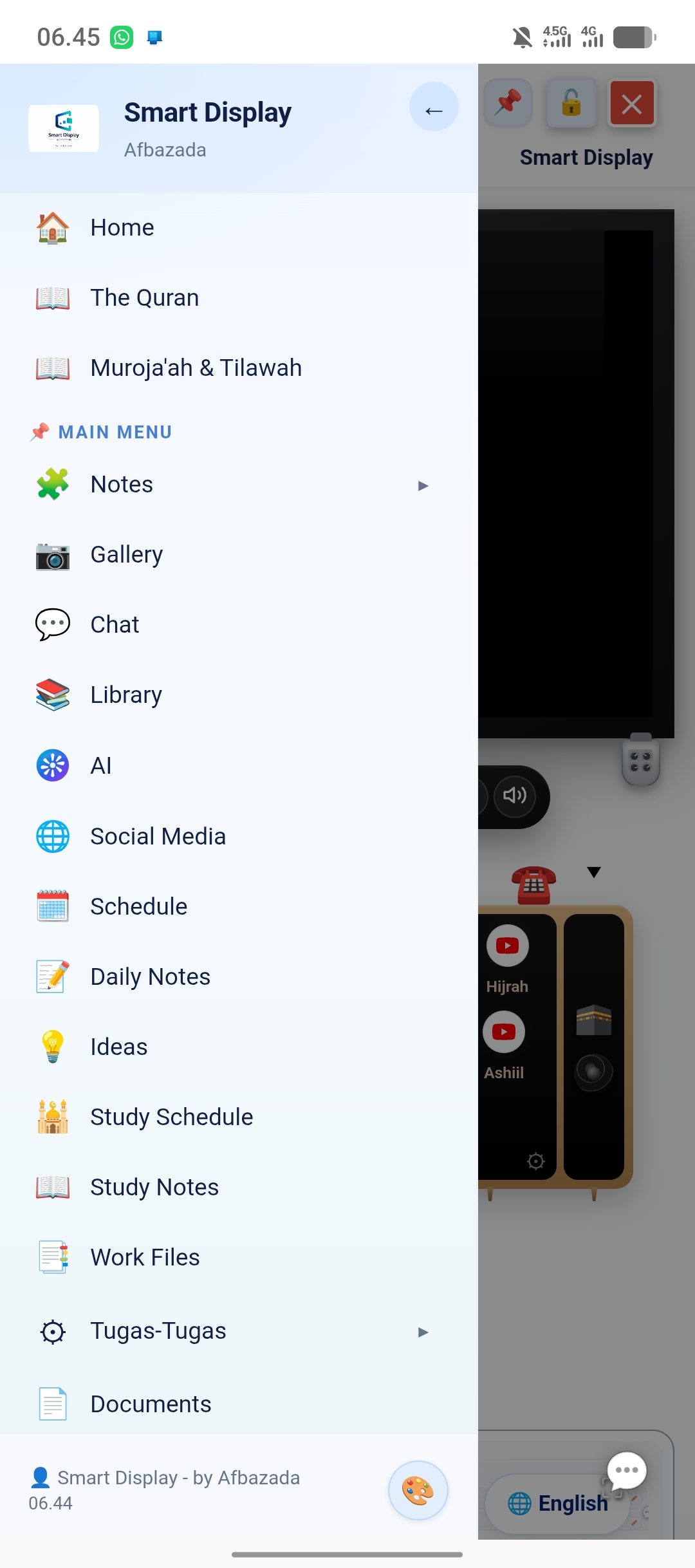
The menu can be hidden, keeping the main content centred on laptops and tablets.
Home, Menus, Notes, and Settings all live in a single app.
The look can be adjusted through a range of theme and background options.
Smart Display is designed as a personal digital space that gathers many needs in one place: the Qur'an, video, websites, notes, files, schedules, links, meetings, AI, social media, and various Google services.
You do not have to use every feature. Menus can be arranged to suit you, including the app name, logo, and appearance.
Smart Display is primarily intended for personal use. Shared access is also available for families, study rooms, small communities, or small-scale organisations.
Read and listen to the Qur'an with a choice of reciters, automatic page playback on large screens, and audio repetition per surah or verse to support memorisation. Daily Muroja'ah and Tilawah tracking tables are included, along with audio and video submission tables.
The Madinah Mushaf in flipbook format, with pages you can turn like a book.
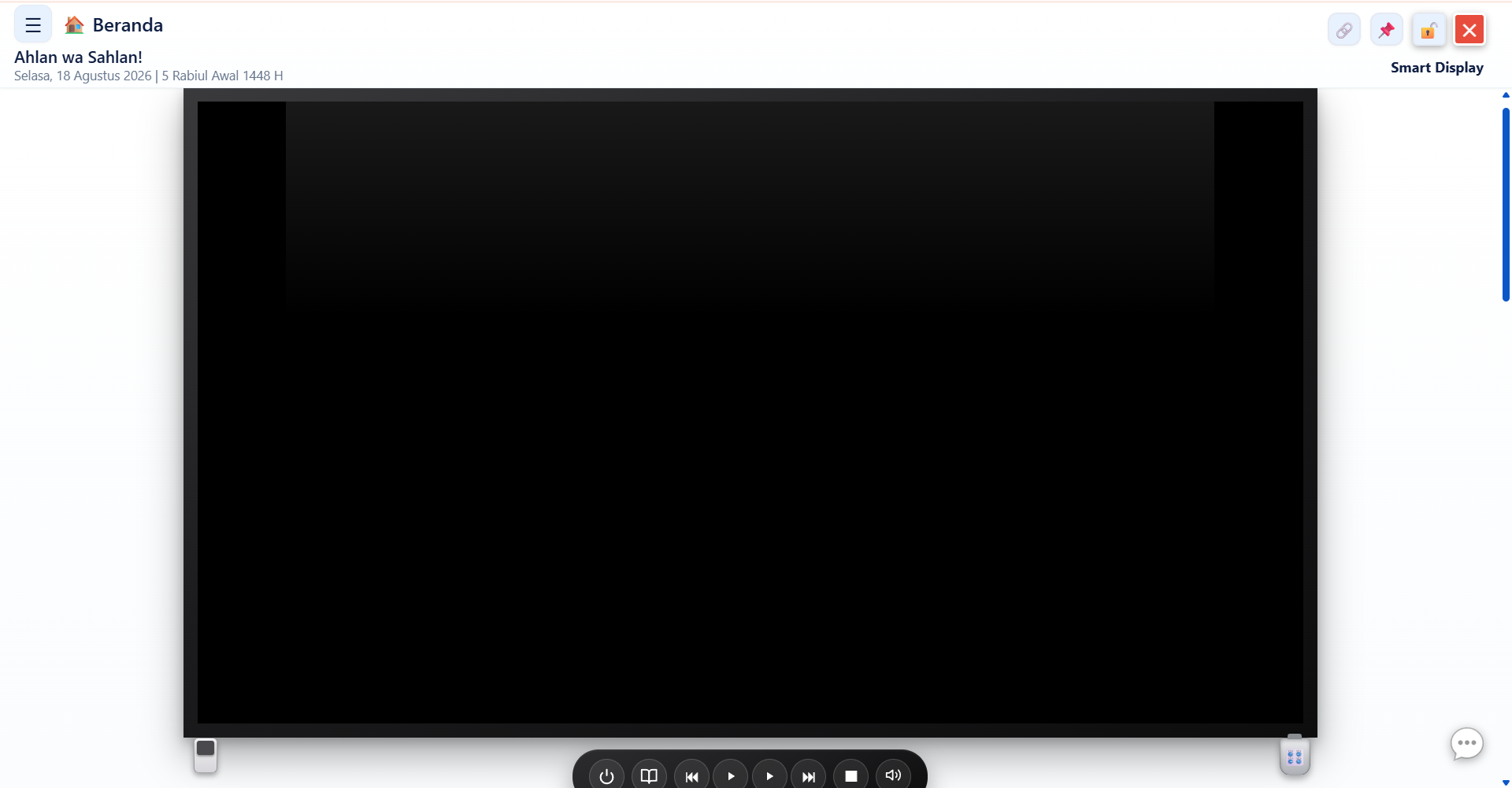
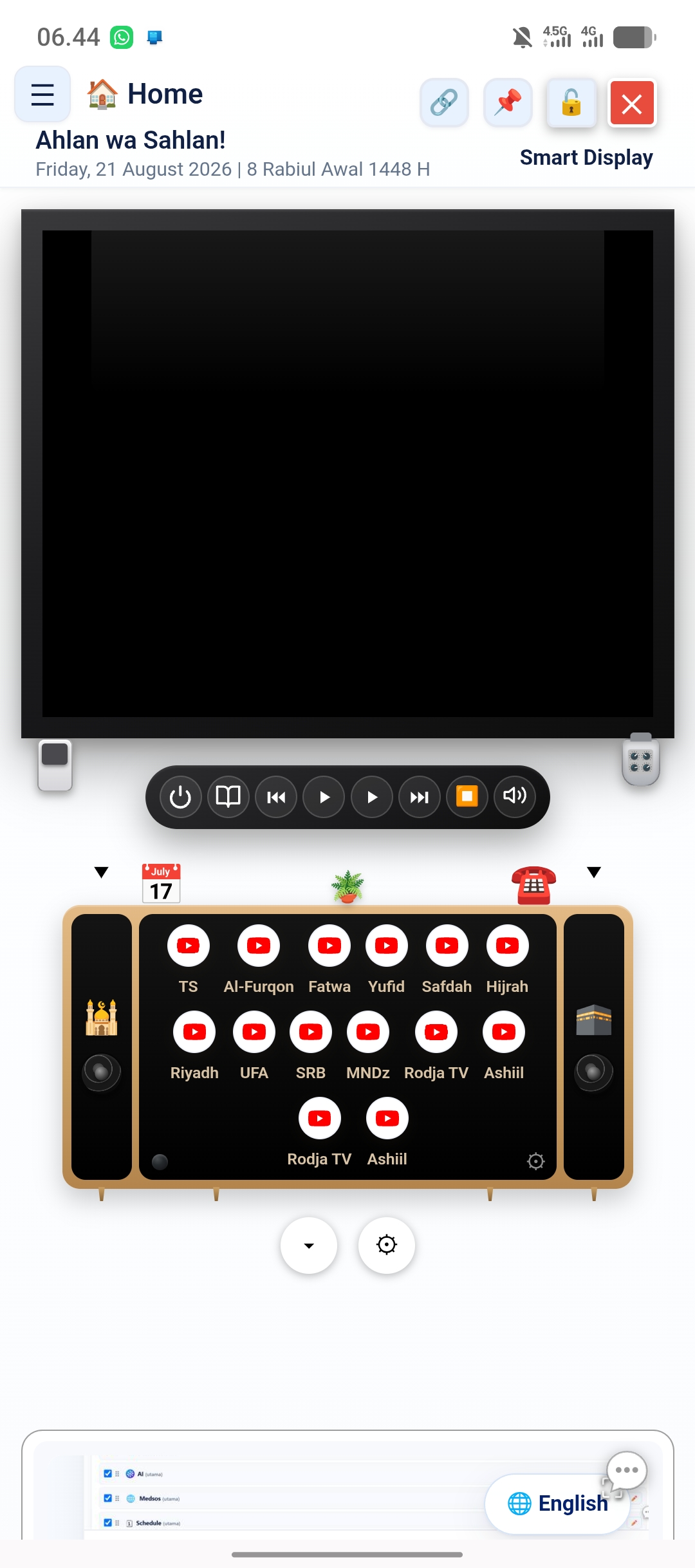
Show the Qur'an, video, compatible websites, PDFs, notes, files, or the contents of a folder using the on-screen remote. A dimmer mode helps soften the display when needed. When idle, the screen can show a digital clock, an analogue clock, a black screen, or an image of your choice.
Open YouTube, channels, and websites that allow embedding inside the app. Sites that do not allow it open in a new tab instead.
Open photos, video, and PDFs straight from the device you are using.
Show the contents of a folder as a rotating gallery with a preview strip.
Display a particular menu, or a single note, at a large size.
Use the device camera to take photos or video and show them in the app immediately.
Start or join a meeting through Jitsi Meet without leaving the app.
Every feature is part of the purchased version. There are no add-on packs and no features locked away to be sold separately.
Bring notes, the Qur'an, files, schedules, video, social media, and AI services into one digital space.
Share the app for family schedules, Qur'an reading, photos, video, and family information.
Present materials, PDFs, video, notes, the Qur'an, camera, and meetings from a single app.
Share it for schedules, notes, documents, and team activity communication.
Use it as a display and discussion hub, as long as the number of users and the workload still fit the capacity of the Google services the app relies on.
App data such as notes, photos, files, and settings is stored using Google Drive and Google Sheets belonging to your own Google account.
You get a subdomain under smartdisplay.afbazada.com, which you may choose once during installation. For example: (your name).smartdisplay.afbazada.com
There is no subscription and no server fee paid to Afbazada. The purchase is made once.
Smart Display runs on Google Apps Script, Drive, and Sheets. Because of that, use of the app follows Googleβs terms, daily quotas, and policy changes, and requires an internet connection.
Smart Display is not a system for large-scale use. Shared use remains possible, but its capacity follows the limits of the Google services the app relies on.
App Quota settings are available, with Maximum Performance, Economy, or manual control of background features.
You simply sign in with your Google account, then the installer runs the installation and shows the status of every stage.
The process runs automatically. Leave the installer page open until it finishes and the final report appears.
If the account has installed Smart Display before, the installer recognises the existing data and does not create a new database carelessly.
Regular price $3.34. $1.41 is paid once to own a Smart Display licence. Once the licence is issued, installation can begin straight away.
Order NowYes, for small-scale organisations, as long as the number of users and the workload still fit the capacity of the Google services it uses.
Yes. Smart Display connects to the Google account used for storage and for running the appβs services.
App data such as notes, photos, files, and settings is stored using Google Drive and Google Sheets belonging to your Google account.
There is no subscription and no server fee paid to Afbazada. The purchase is made once.
Yes. The interface is designed to adapt to phones, tablets, laptops, and large screens.
Yes. Smart Display provides a multipurpose screen for showing the Qur'an, video, compatible websites, PDFs, notes, files, folders, and other content.
It can be shared, within the capacity of the Google services the app relies on.
Yes. Logo, app name, background, greeting, and menu order can all be adjusted through the available settings.
The licence covers one Google account and does not expire. Every feature in the purchased version is included, with no additional packs.
The installer checks the app data already present in the account, so reinstalling does not create a new database carelessly.
Smart Display suits you if you want a single digital space to manage the Qur'an, notes, files, schedules, video, links, and various digital services without switching between apps.
Smart Display by Afbazada β one app for all your digital needs.